Closing the Gap: Bringing Sidecar-Level Tracing to Istio's Ambient Mode with Kiali
Tracing parity between ambient and sidecar modes arrives with Istio 1.29 and Kiali 2.25, closing the workload visibility gap.
Istio’s ambient mode has steadily evolved across recent releases. Although it achieved GA in version 1.24, behavior has evolved as features have changed and stabilized in subsequent releases. With the release of Istio 1.29 and Kiali 2.25, we can now confidently state that tracing in ambient mode has reached full parity with sidecar mode.
The Role of Waypoint Proxies
As background, it is important to note that Layer 7 (L7) telemetry — both metrics and traces — is provided by waypoint proxies. Unlike sidecar mode, where the proxy resides within the same pod as the application, a waypoint is a shared, decoupled resource that can be scoped to a namespace, a service, or even specific workloads. It acts as the “gatekeeper” for the traffic it handles, processing all L7 logic. By contrast, the ambient node agent, ztunnel, only operates at Layer 4, and so cannot generate L7 telemetry.
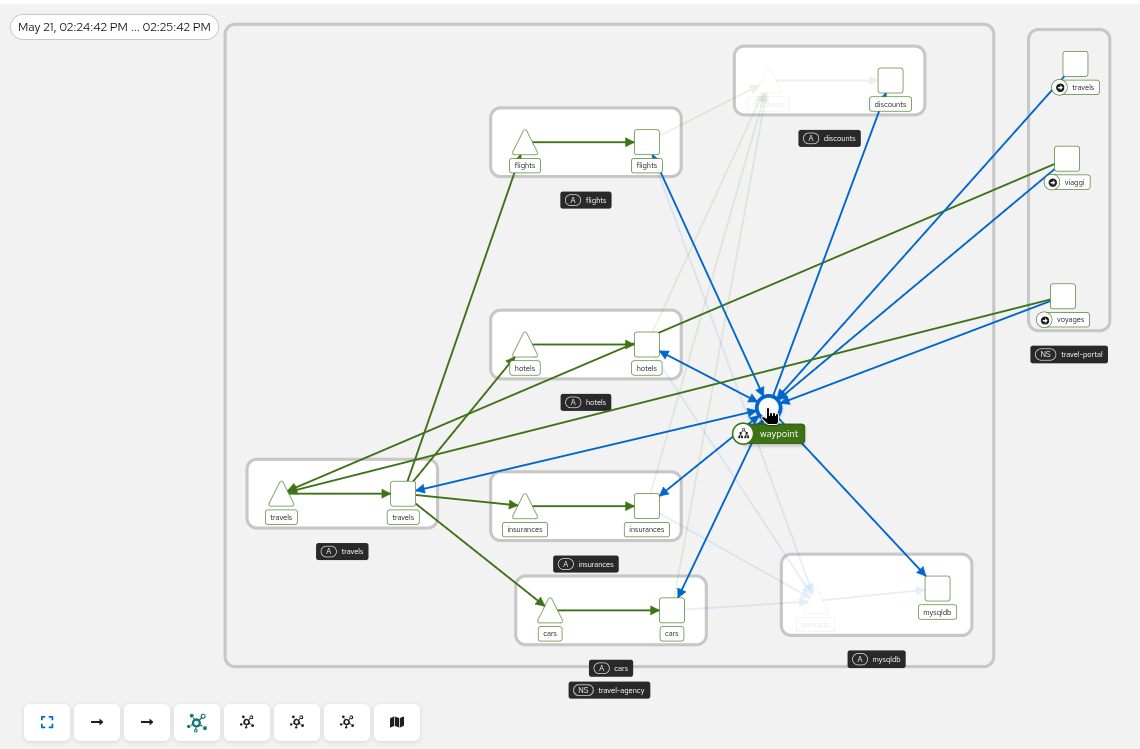
The Shift in Identity: From Service to Waypoint
Because waypoint proxies are external to the workload, identifying the “owner” of a trace has been an architectural challenge. In Istio 1.27, the waypoint proxy created the trace using the waypoint name as the service.
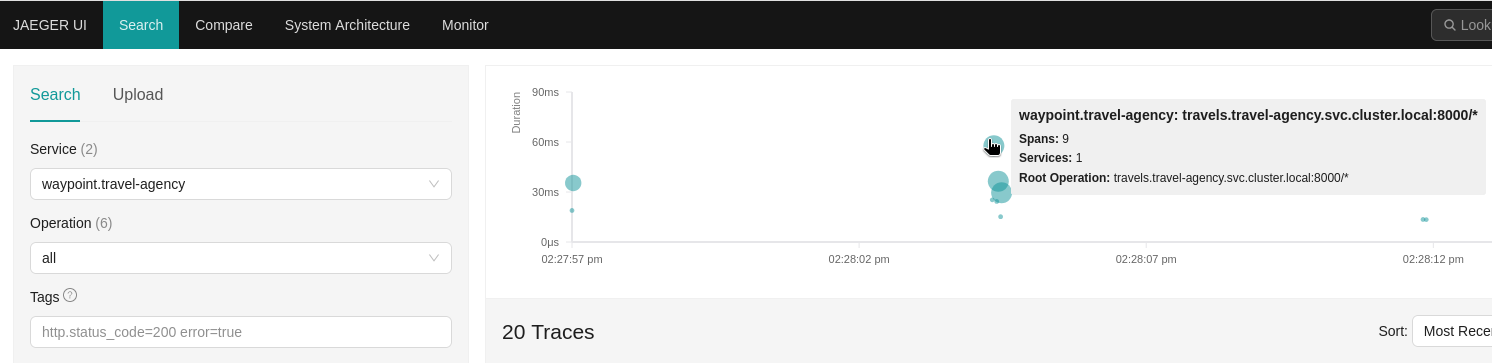
In Istio 1.28, a change was introduced to attribute the trace directly to the destination service, instead of the waypoint. This behavior remained through the 1.29 releases.
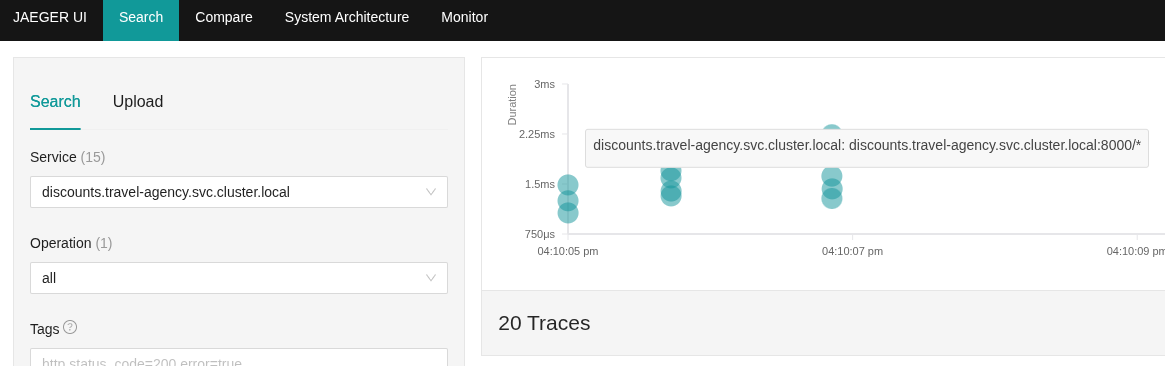
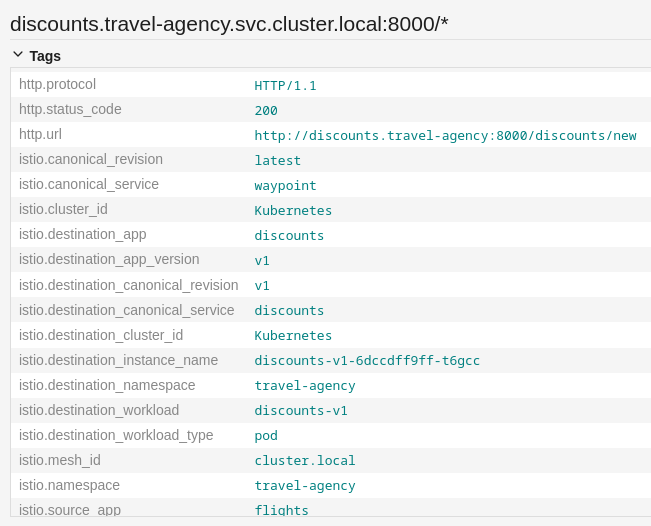
Istio 1.30 refined the situation by treating the waypoint as a “first-class citizen.” The waypoint now preserves the architectural reality of the hop without obfuscating the destination. The operation name of the span correctly reflects the redirected service traffic, while the infrastructure metadata points to the waypoint.
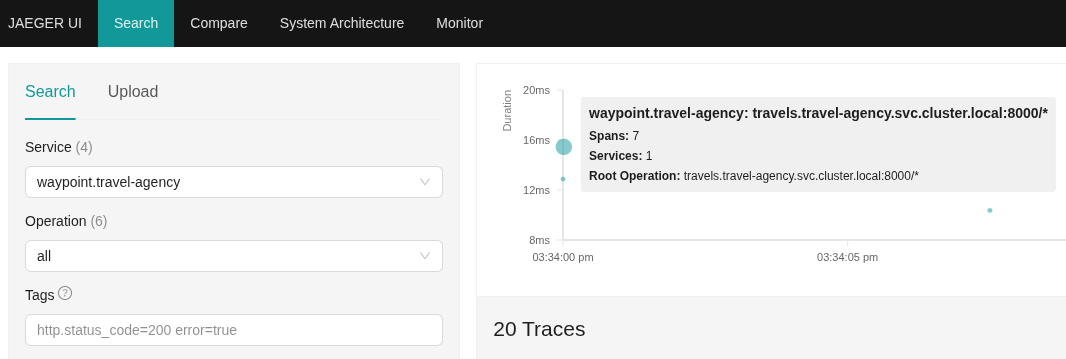
The Missing Link: Workload Visibility
While service-to-service tracing was functional, there was a significant gap: workload-level granularity. In sidecar mode, we rely on the node_id attribute to identify specific pods. In ambient mode, this was missing. If a service routed traffic to multiple versions of a workload (e.g., v1, v2, and v3), we could see the service hop, but we lost the ability to pinpoint which specific workload was processing the request — losing important debugging information.
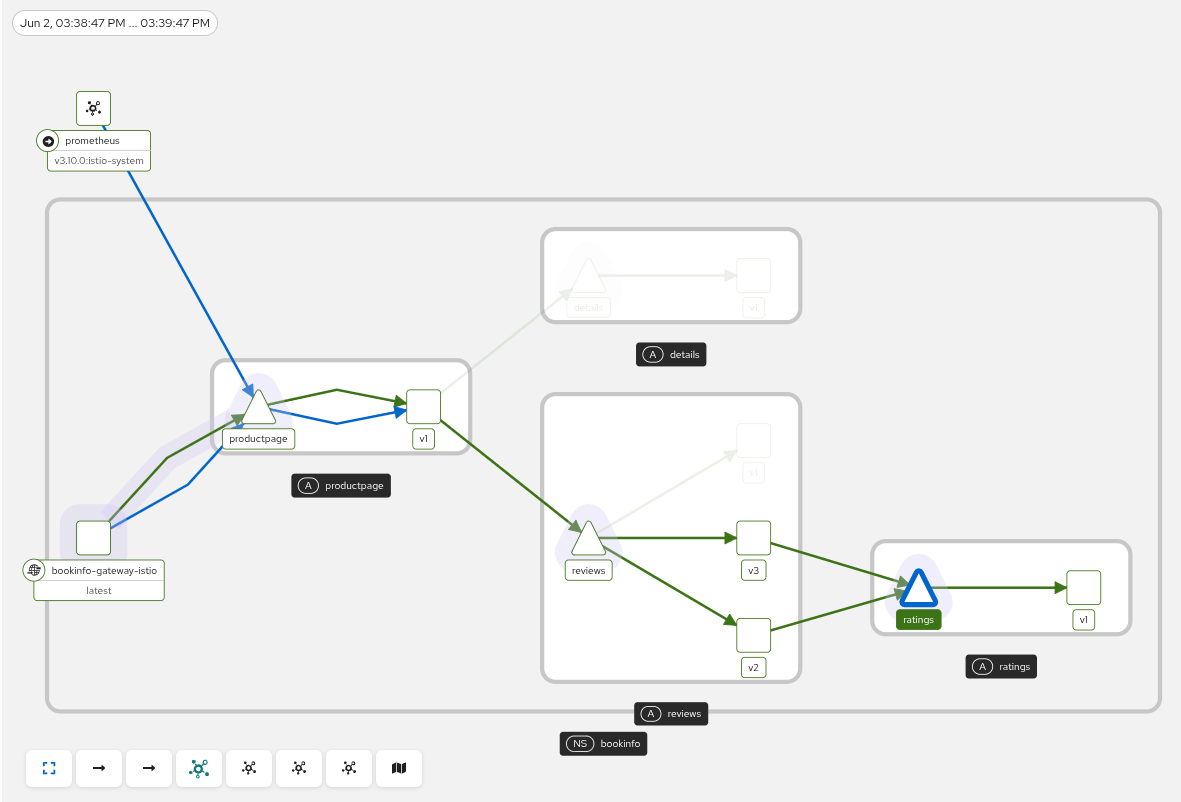
This gap was closed in Istio 1.29. By introducing explicit attributes such as istio.source_workload and istio.destination_workload, and leveraging the waypoint’s privileged “middleman” position, we now have a complete view of both the origin and the final destination.
Kiali: The Unified Observability Plane
Kiali is the console for Istio service mesh. It helps you configure, visualize, validate, and troubleshoot your mesh by correlating metrics, traces, and configuration into a single view.
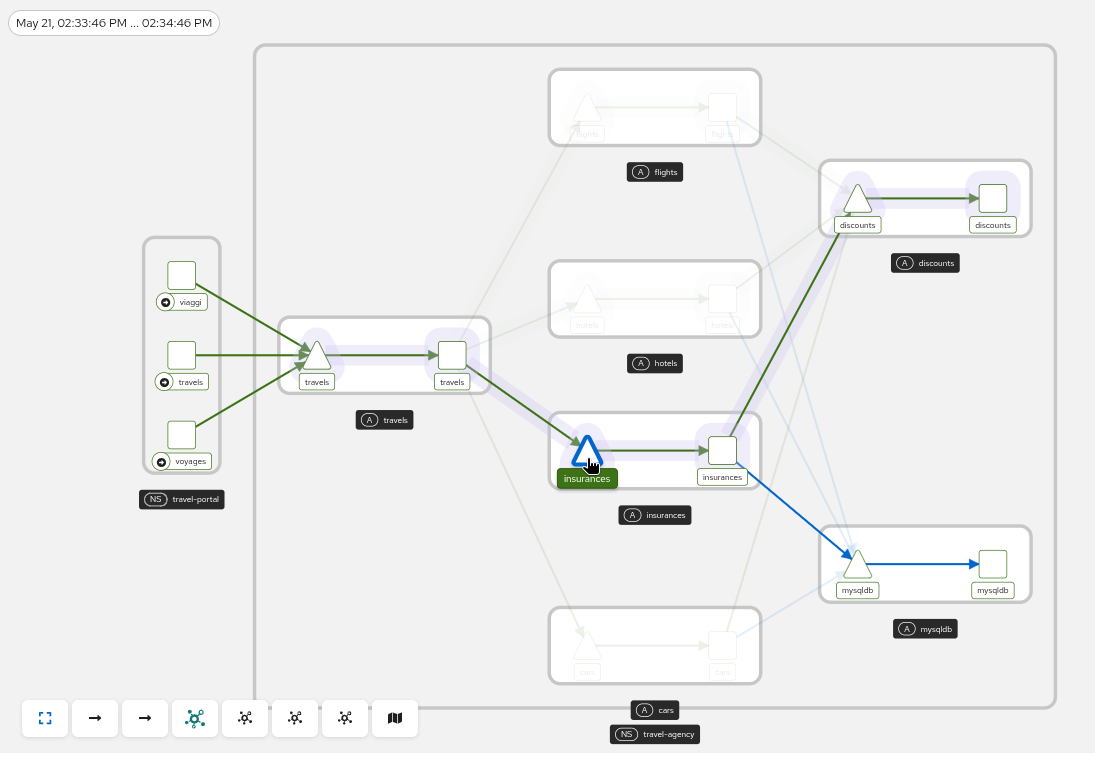
So how do these tracing improvements show up in Kiali? Thanks to these new attributes, Kiali’s Trace Overlay feature is now more powerful than ever. When selecting a trace, Kiali highlights the entire request path, including both services and the specific workloads involved, completing the view for a trace in the versioned app graph.
Kiali builds the traffic graph from metrics data, which provides the topology, and gives a visual representation of how requests flow through the mesh. The Trace Overlay feature then uses the selected trace to highlight the nodes and edges that belong to that specific request path. In other words, metrics provide the structure of the graph, and tracing identifies the exact route taken by the request within that structure.
This works hop-by-hop. The selected trace provides a sequence of spans, and each span now includes attributes that identify both the service and the workload involved in that hop. With that information, Kiali can match each span to the corresponding elements in the versioned app graph and reconstruct the full path of the request, including the exact workload versions that actually processed the traffic.
One of Kiali’s missions is to facilitate troubleshooting. In the Workload Details view, it correlates data automatically so you don’t have to manually hunt for traces hidden under a waypoint’s name. Instead, it identifies the associated waypoint for a workload, queries the tracing provider, and filters the results for you.
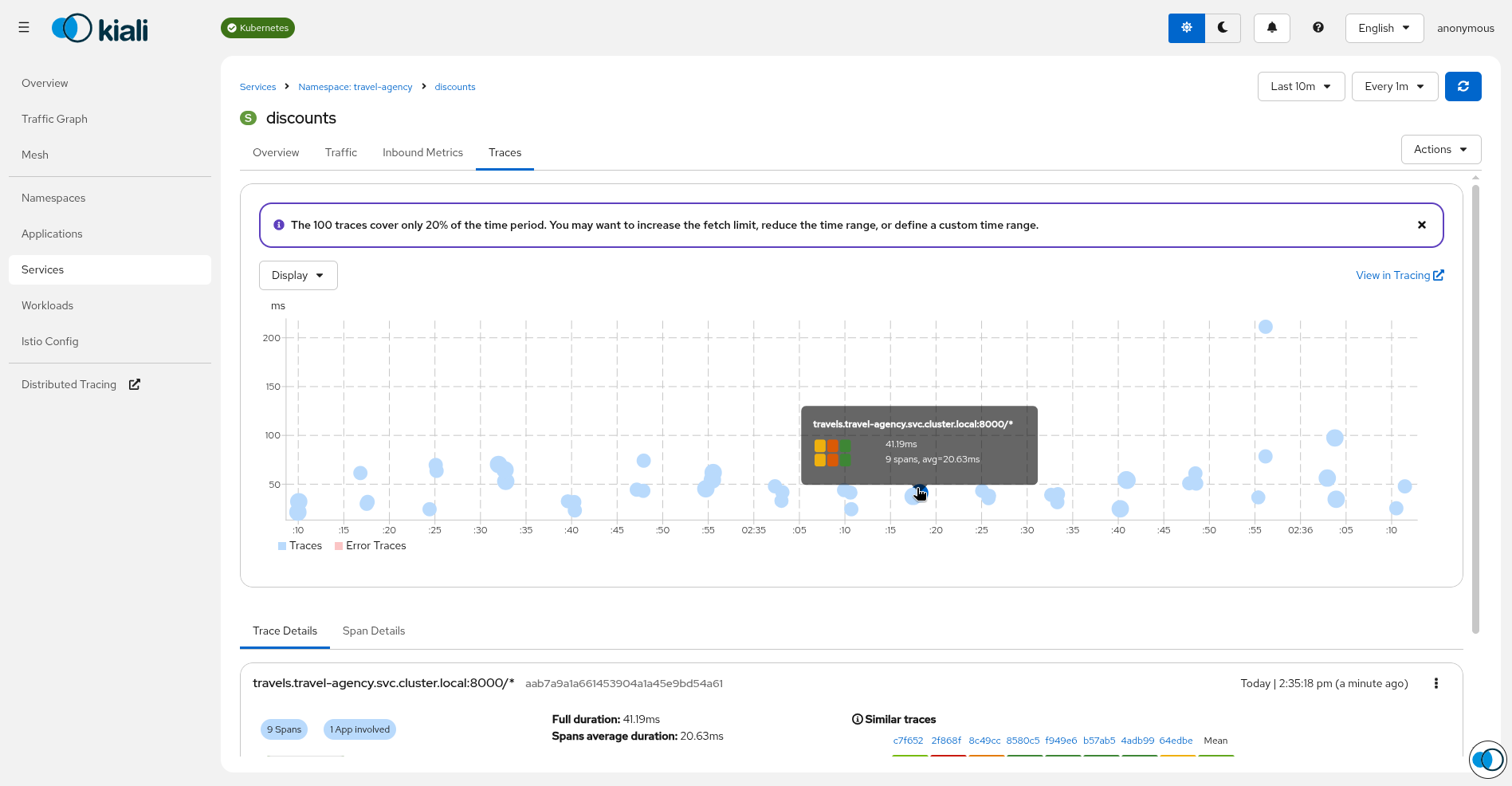
While, by default, Kiali looks for traces using the service name, you can fine-tune this behavior. If your environment requires it, based on the Istio version and use of ambient mode, you can configure how Kiali maps these identities, by changing the Kiali configuration external_services.tracing.use_waypoint_name, to true.
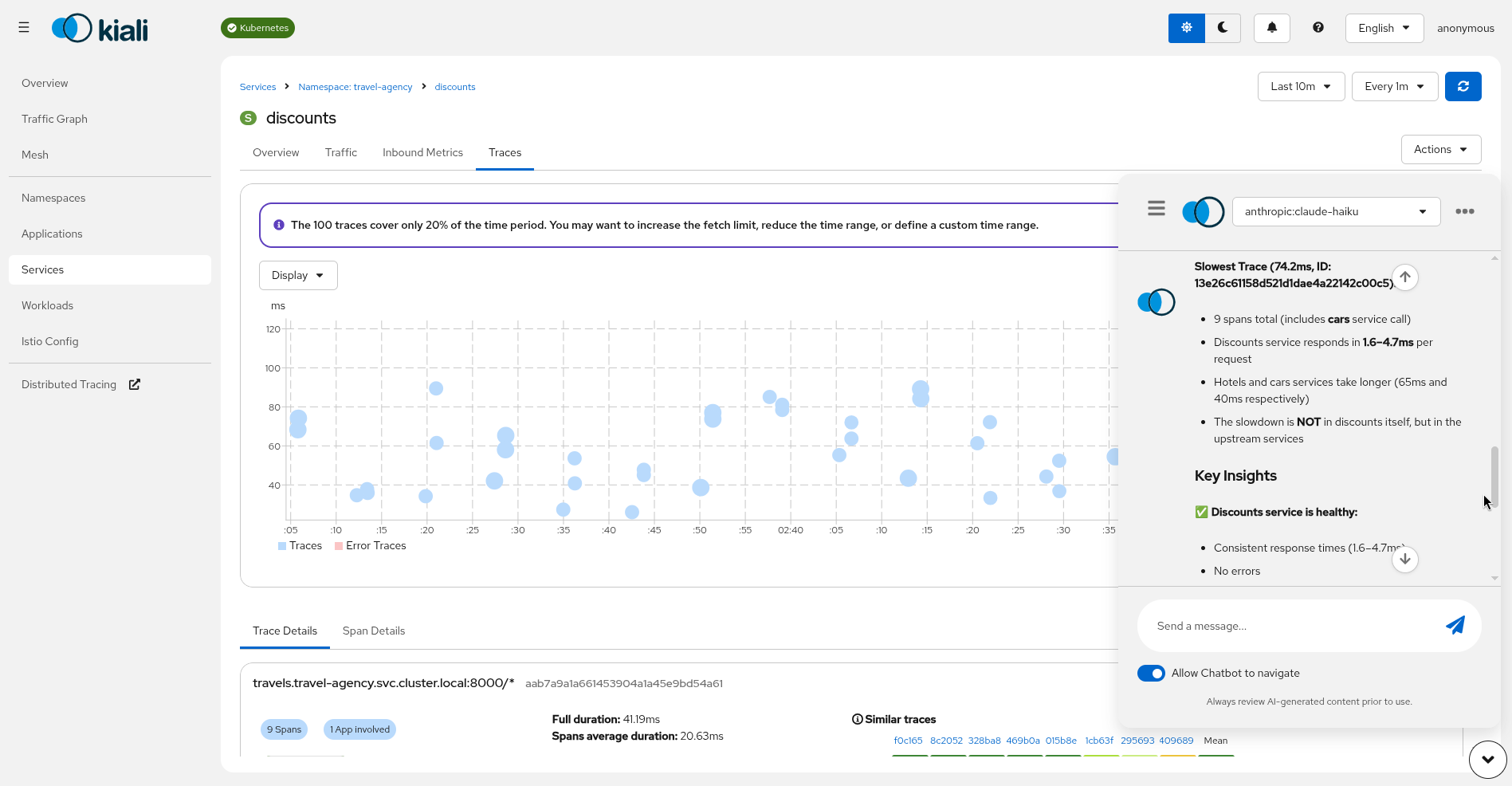
Beyond visualization, this telemetry enrichment opens the door to even more advanced capabilities. With consistent tracing and metrics across the mesh, Kiali’s AI-driven features, including the Kiali assistant, can now more accurately assist in root cause analysis. By having all the pieces of the puzzle in place, the assistant can proactively identify bottlenecks or misconfiguration in your ambient mesh, turning raw observability into automated intelligence.
A version of this article was first published on the Kiali blog on Medium. Feel free to follow us there for more frequent updates.


